
[Part 2 is here]
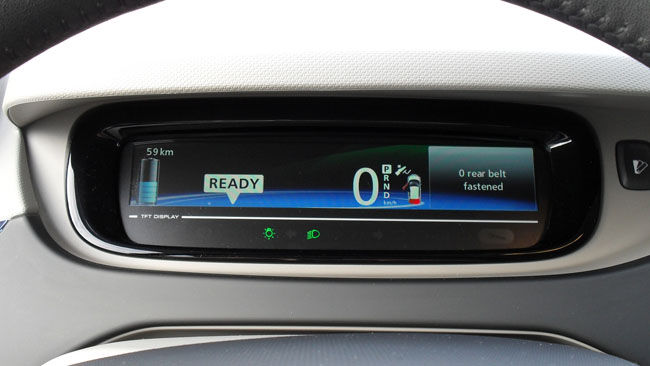
During the test drive I had a chance for the first time to try out some of the driver’s controls. First of all there is a display selector, just to the left of the main dashboard TFT display screen. This cycles between three different forms of display – as I recall one that’s primarily a numeric display of speed, energy consumption, mileage and so on; one that’s like a speedometer dial going up and down as electricity is used or generated, and one that has a more artistic display showing lines of energy moving to the right, from battery to car, when accelerating or moving to the left, from car to battery, when regenerative braking.
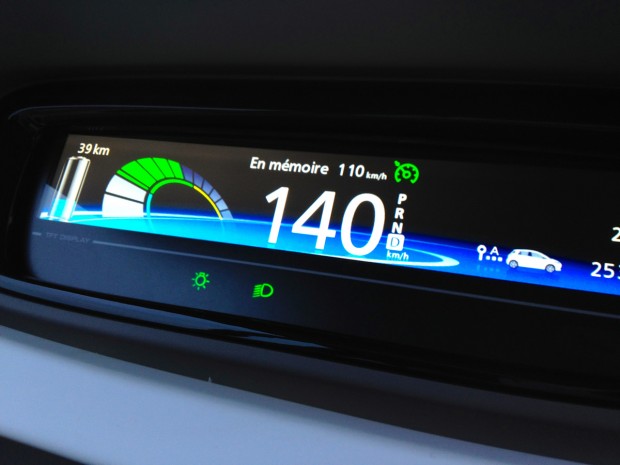
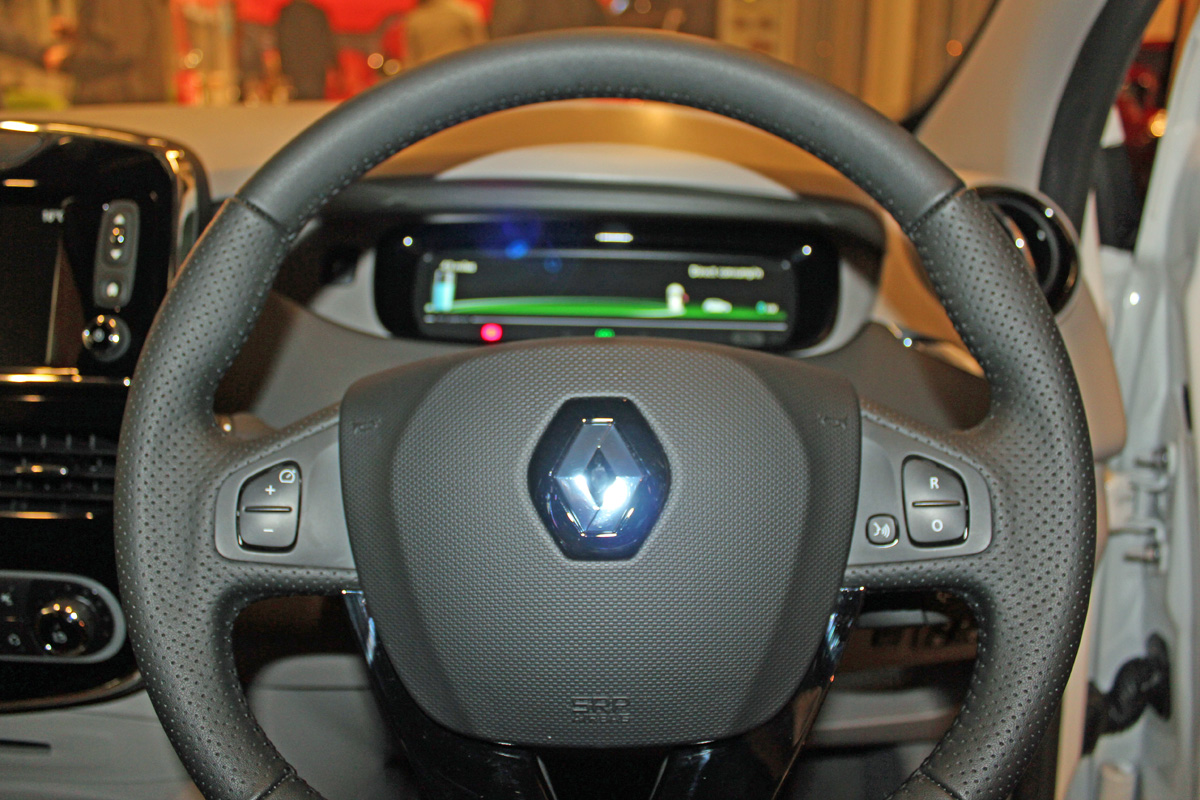
Next I tried out the cruise control. I believe this is initiated by the button to the left of the gear lever (it was actually done by the salesman) but then I was able to operate it using buttons on the steering wheel. When switched on the vehicle will accelerate or decelerate to the currently set speed; this speed is shown top centre on the driver’s display. The set speed can be adjusted up and down by a centre-biased switch on the left side of the steering wheel – pushing the top half of the switch (marked ‘+’) increases the set speed and pushing the bottom half (marked ‘–’) decreases the set speed.
The cruise control was certainly a novelty to me, perhaps because I’ve never driven a car before that had it. It was mildly disconcerting having it speed up or slow down apparently under its own control, though I can certainly see the attraction and use of such a system, particularly on the motorway. Pressing the accelerator or brake disabled it.
The cruise control can be engaged or disengaged by pressing the centre-biased switch on the right side of the steering wheel – pushing the bottom half of the switch (marked ‘O’) turns it off and pressing the top half (marked ‘R’) re-engages it.
The other button on the right of the steering wheel is to turn on voice-activated commands. I didn’t get a chance to experiment with it beyond pressing it and having the R-Link respond ‘Say voice command’ or something similar.
I certainly had the impression from my test drive that the ZOE is loaded with technology and clever controls, and look forward to experimenting with mine when it arrives.